Store Credit Overview

Learn how store credit transfers between businesses and customers, integrate with your existing checkout, and manage balances securely with TCGWallet.
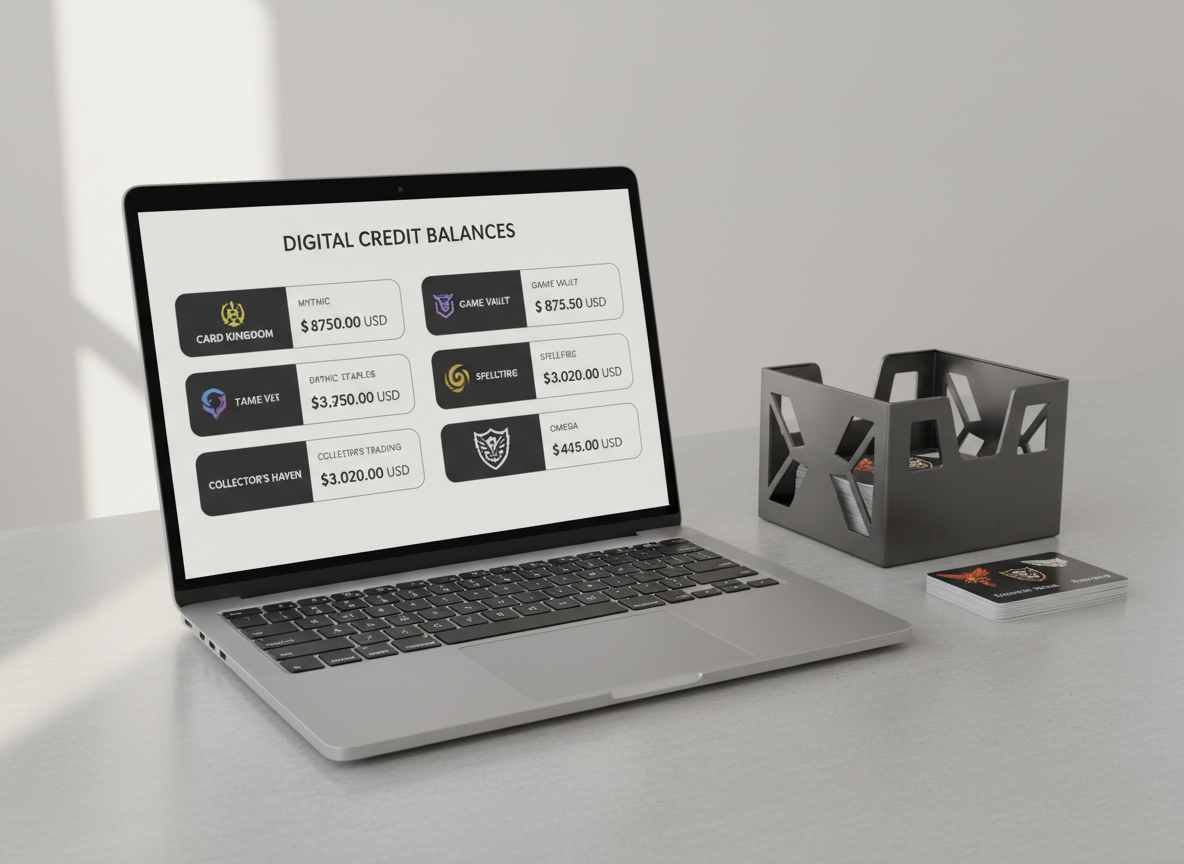
A sleek, open laptop displaying a clean dashboard of digital store credit balances, with neatly organized cards labeled for different trading card game shops. The laptop rests on a light gray, matte-finish desk with a subtle texture, beside a minimalist metal card storage box and a stack of logo-branded gift cards. Soft, diffused daylight from an unseen window casts gentle, even illumination, creating faint shadows and crisp reflections on the laptop’s metallic edges. Shot at eye level with a slightly off-center, rule-of-thirds composition, the background fades into a softly blurred neutral wall. The mood is professional, trustworthy, and orderly, captured in photographic realism with a clean, corporate aesthetic and balanced composition.

Developer Guides


About

Getting Started Guide

This quick-start overview covers essential onboarding steps, schema diagrams, and reusable checklists to help vendors onboard smoothly, reducing friction and confusion.

A close-up of a modern smartphone lying flat on a smooth, charcoal desk surface, its screen showing a simple interface for transferring store credit between businesses, with clear arrows indicating a secure exchange. Around the phone, a few neatly arranged, holographic trading card sleeves and a slim metal pen add context without clutter. Cool, controlled studio lighting from above and slightly to the side creates subtle highlights along the phone’s glass and aluminum frame, with soft shadows grounding each object. The composition uses shallow depth of field, keeping the interface in sharp focus while the edges of the desk gently blur. The overall feel is precise, efficient, and technologically advanced, with a photographic, minimalist, corporate style.